Documentation Analytics & Intelligence

Analytics & Business Intelligence

Consolidated dashboards that surface operational performance, financial outcomes, and optimization impact in real time.

Live metrics from optimization jobs GDPR-safe, anonymised dashboards
CAIRE analytics intelligence visualization

Comprehensive Analytics Suite

CAIRE provides five integrated analytics modules to give you complete visibility into your operations

Overview Dashboard

Executive dashboard showing high-level KPIs and trends across all areas. Time period selectors (7/30/90 days), key performance indicators with trend arrows, and quick access to detailed sections.

Schedule Analytics

Detailed analysis of schedule optimization performance. Track continuity scores, recaptured hours, assignment rates, and before/after optimization comparisons with performance badges.

Resource Analytics

Tab-based analysis of employees, clients, service areas, and visits. Sortable tables, utilization metrics, hierarchical service area performance, and drill-down capabilities.

Financial Analytics

Revenue tracking in SEK, cost analysis, margin calculations, and ROI metrics from AI optimization. Interactive charts with Swedish currency formatting throughout.

Operational Analytics

Service delivery efficiency and quality metrics. Travel time optimization, constraint satisfaction rates, unused hours recapture, and efficiency benchmarks.

Overview

Executive analytics across every module

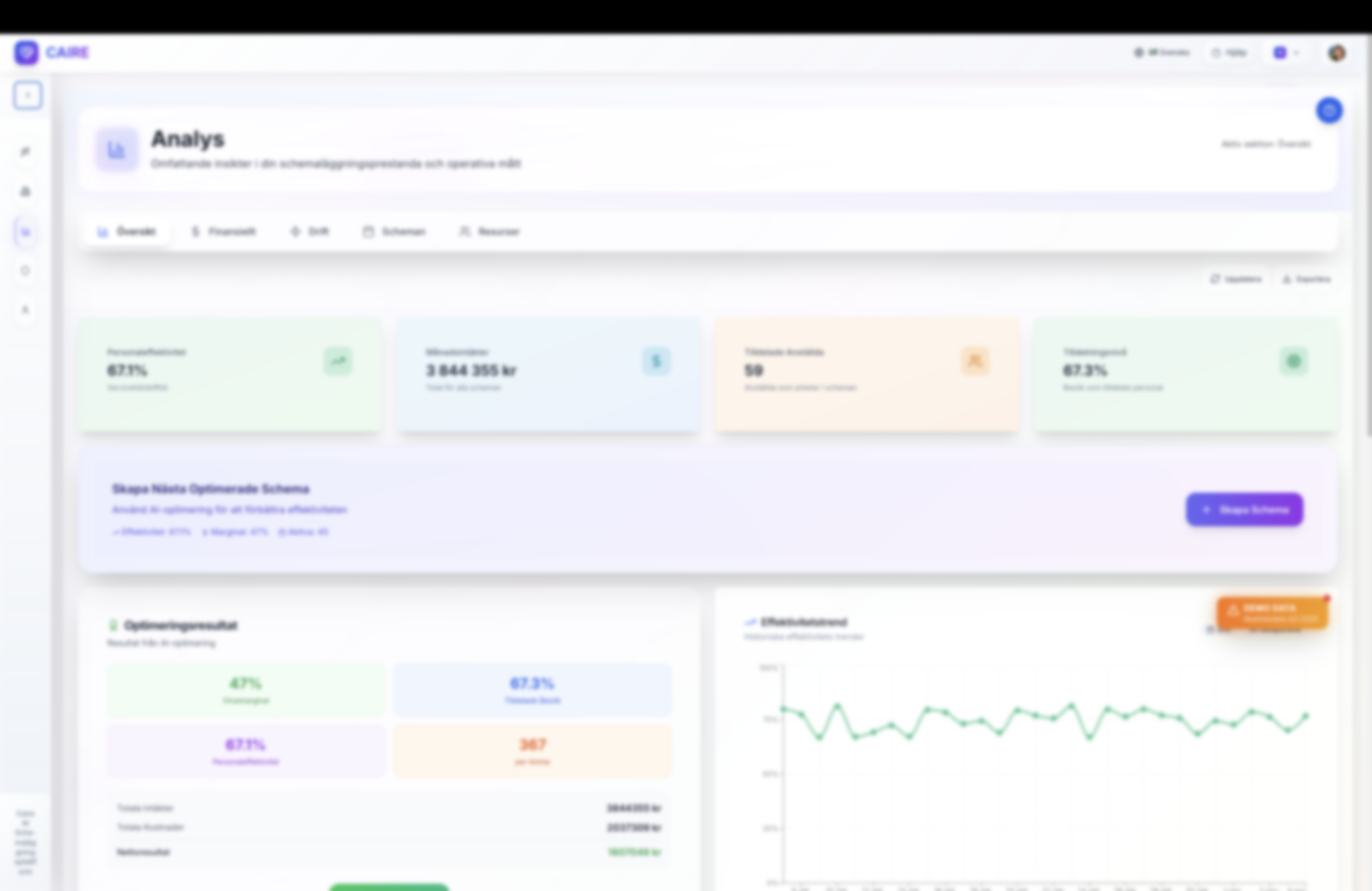
Analytics overview dashboard summarising utilization, margins, and visit allocation with anonymised data
The overview dashboard highlights organization-wide KPIs with consistent colour coding, trend indicators, and direct links to deeper analytics for scheduling, finance, and resources.
Actuals

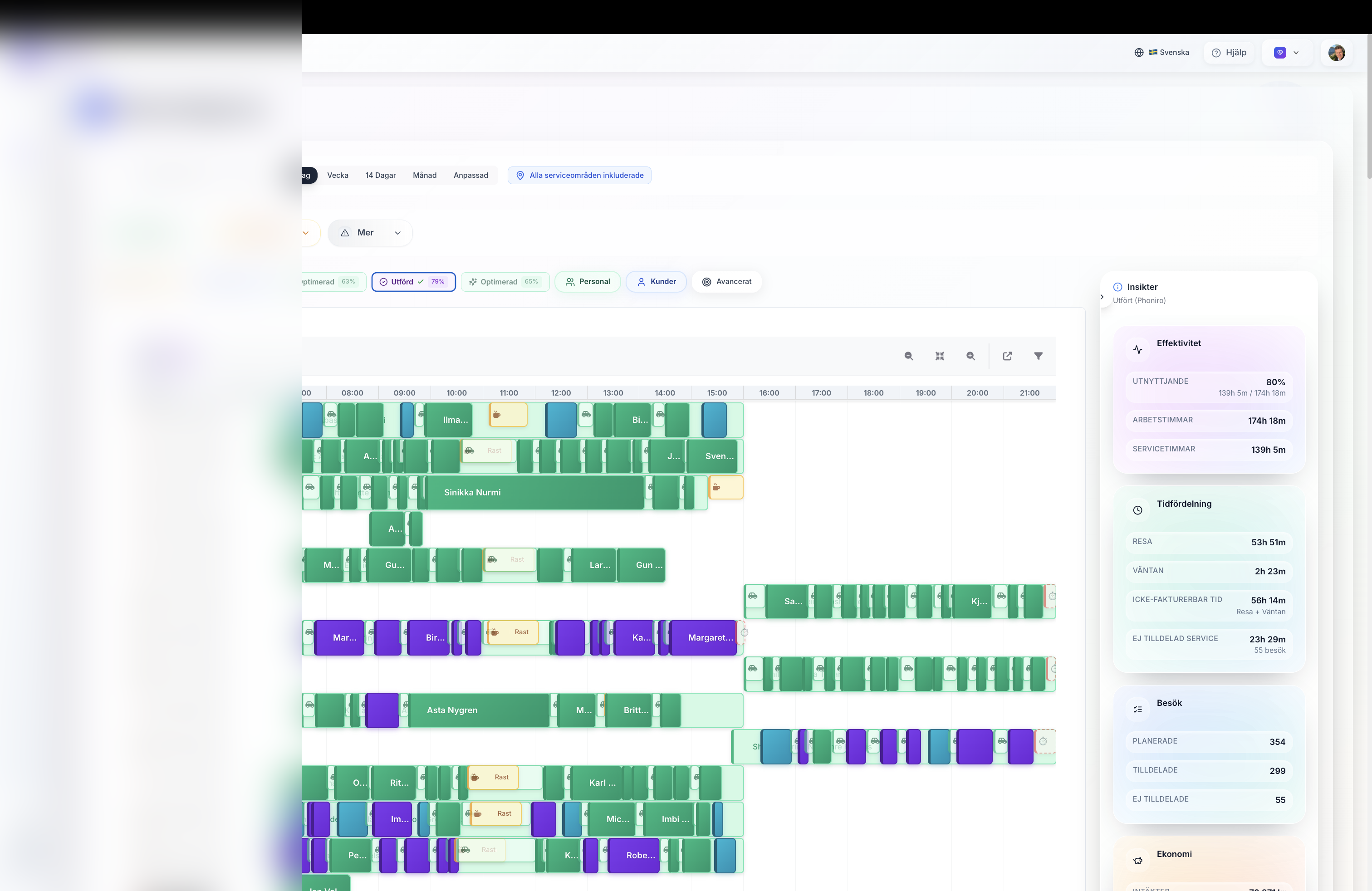
Actuals metrics sidebar with live KPIs

Actuals metrics sidebar presenting utilization, travel, waiting, and visit KPIs with anonymised data
Monitor completed scheduling with the Actuals sidebar surfacing real-time efficiency, time distribution, and visit outcomes directly alongside the professional calendar view.

Key Performance Indicators

Track what matters most for your home care organization

📊 Real-Time Business Intelligence

All metrics are calculated from actual optimization results and organizational data. No mock data – only real insights that drive decision-making and demonstrate tangible ROI.

💰 Financial Performance

Total revenue, staff costs, margin percentages, and profitability trends. All displayed in SEK with Swedish locale formatting.

⚡ Staff Utilization

Percentage of productive time vs total working time. Track efficiency improvements from 65% to 70%+ through AI optimization.

🎯 Assignment Rates

Percentage of visits successfully assigned to employees. Monitor unassigned visits and optimize resource allocation.

🚗 Travel Time Metrics

Total travel time vs service time breakdown. Track 15-20% reductions in travel time through route optimization.

👥 Continuity Scores

Number of different caregivers per client per month. Lower numbers indicate better continuity and care quality.

♻️ Recaptured Hours

Previously unused time slots converted to billable hours. Track potential revenue from optimized time utilization.

Financial

Full P&L visibility in Swedish krona

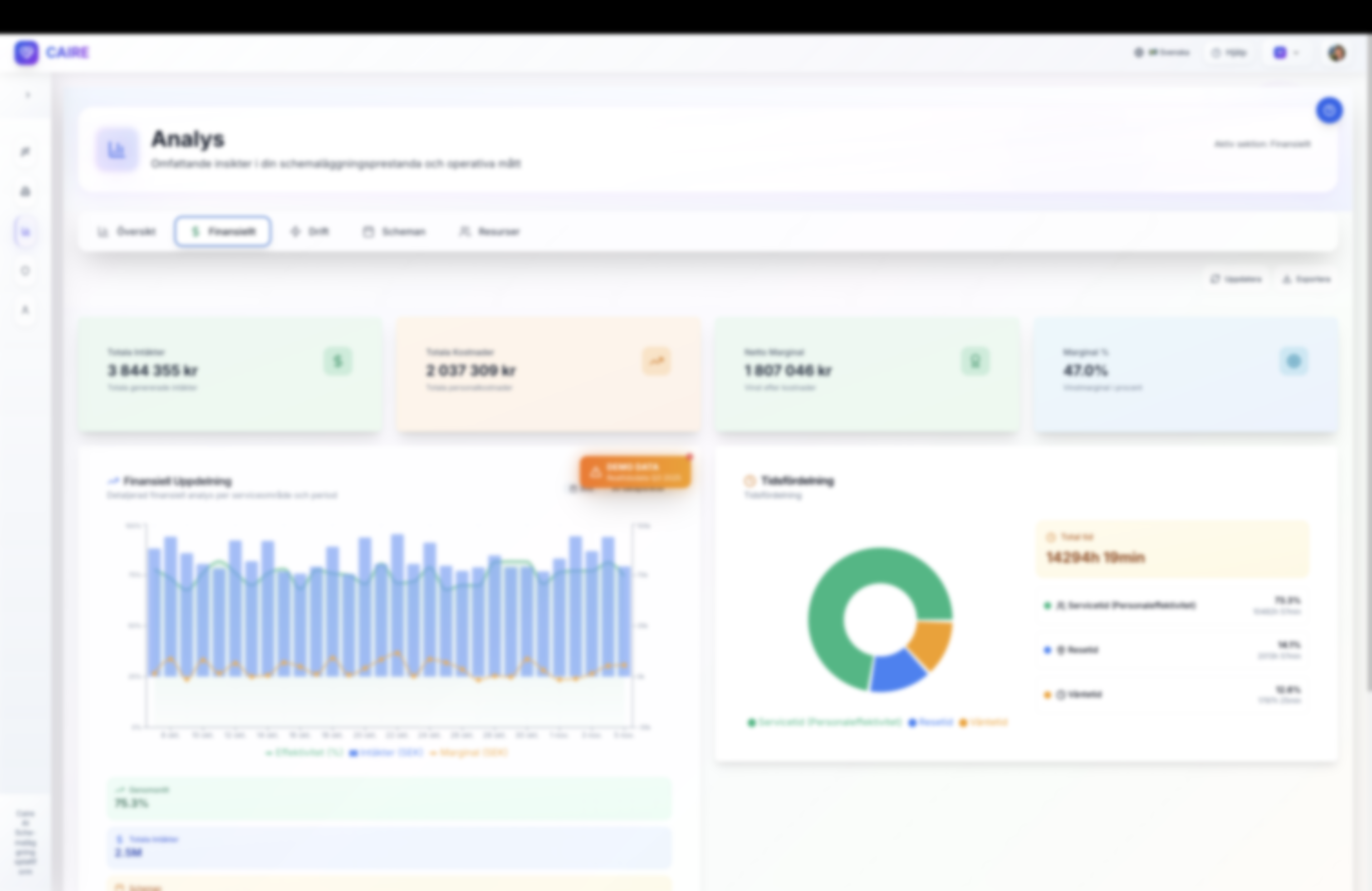
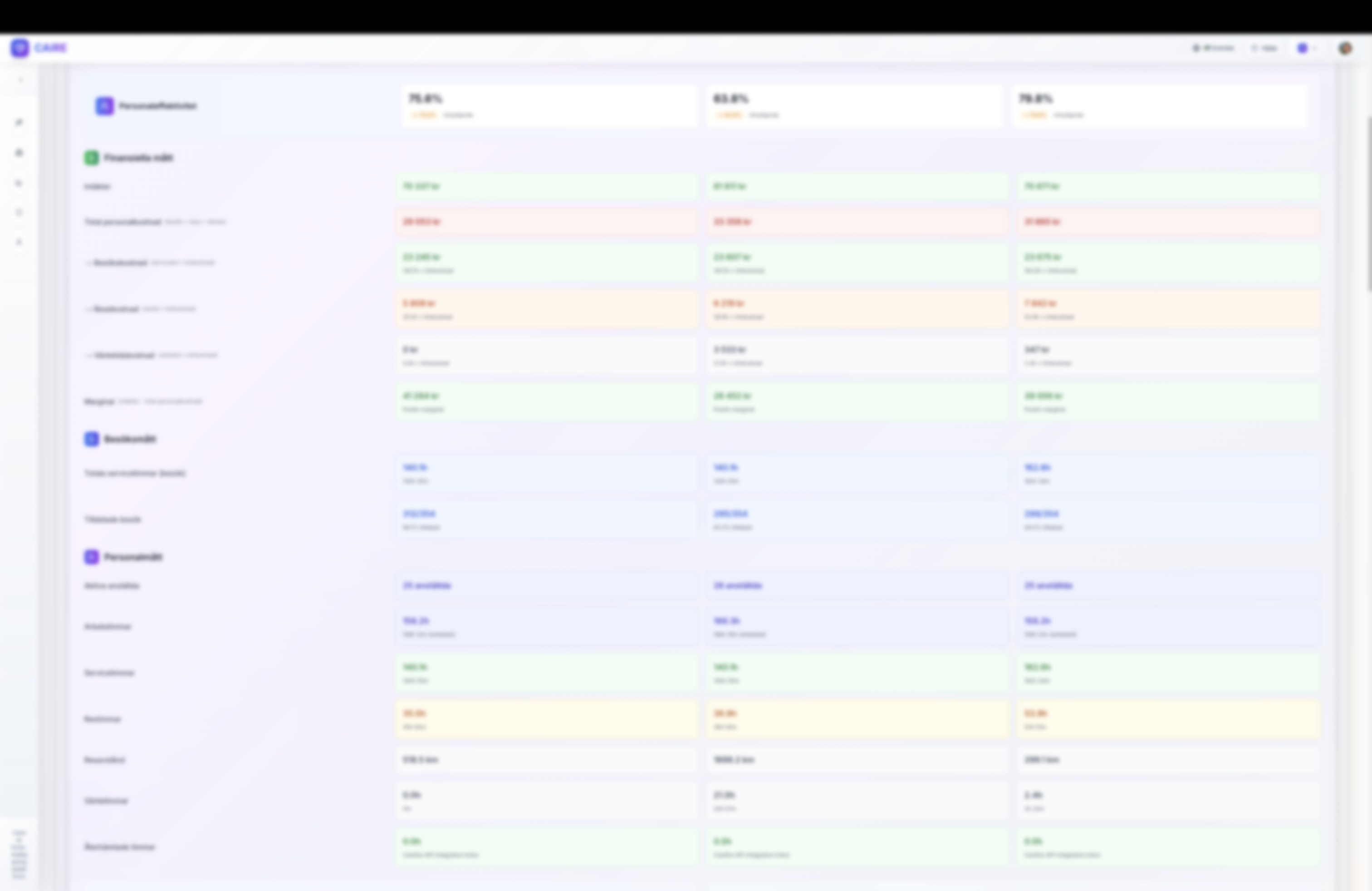
Financial analytics cards with total revenue, cost, and margin trend using anonymised figures
Track total intäkter, personal costs, and net margin in real time with sparkline trends, variance indicators, and export-ready visualisations for each serviceområde.
Operational

Operational efficiency at a glance

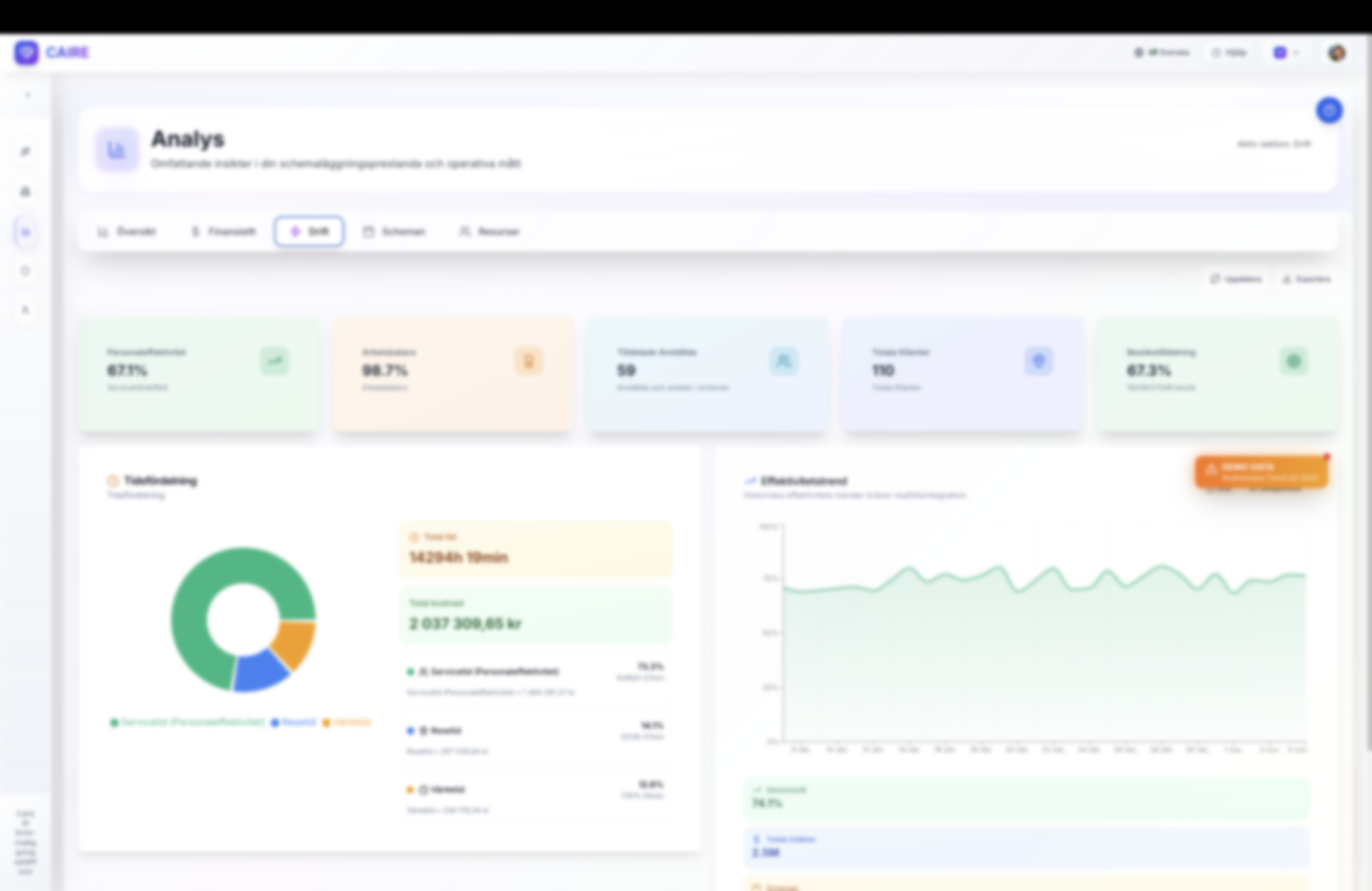
Operational analytics dashboard illustrating efficiency trend and time distribution with anonymised labels
Visualise personnel efficiency, arbetsbalans, client coverage, and time distribution across service, travel, and waiting to understand how optimisation impacts daily operations.
Scheduling

Schedule outcomes over the month

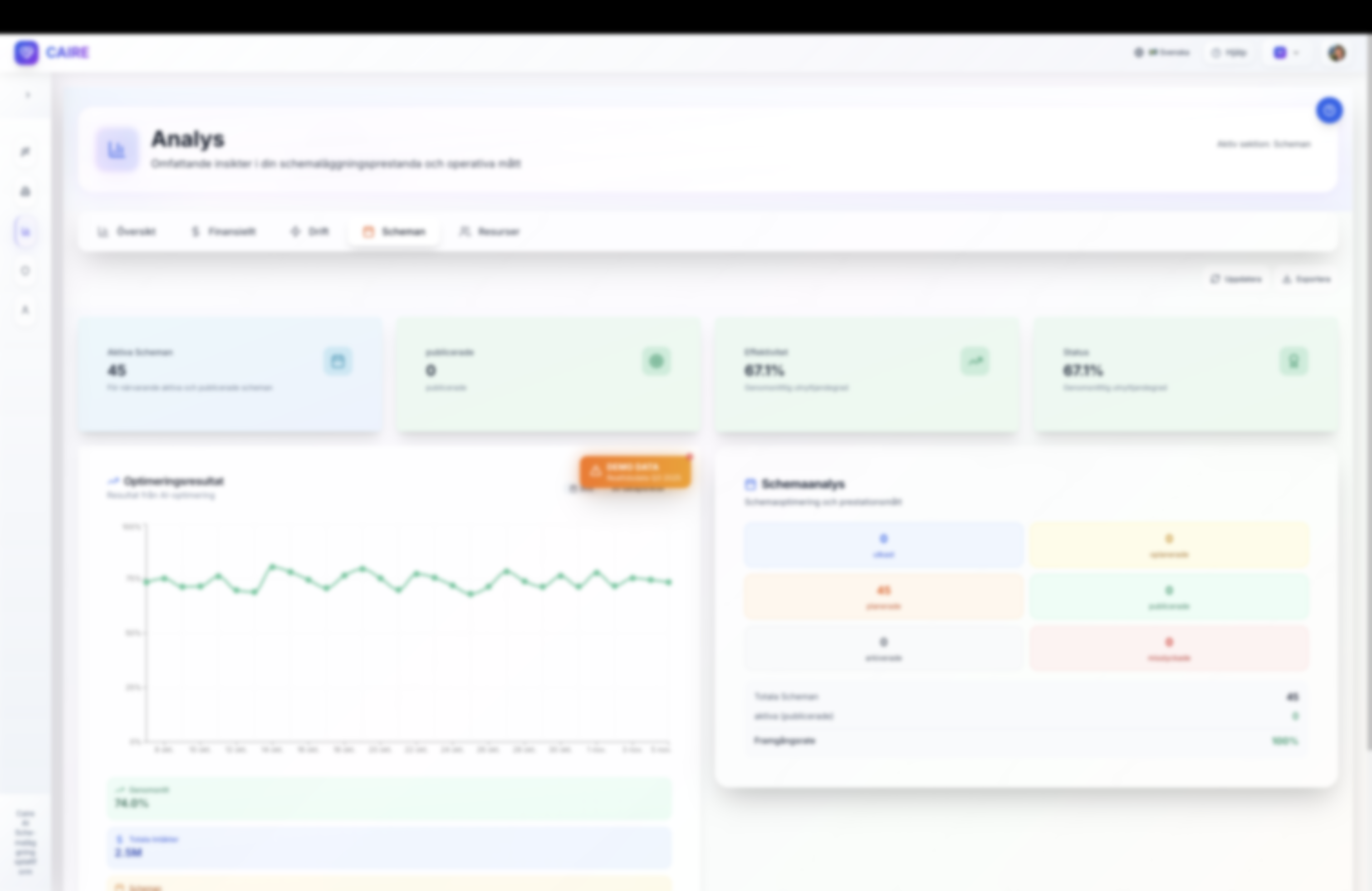
Schedule analytics trend showing active schedules and effectiveness with anonymised schedule names
Monitor hur aktiva scheman presterar över tid, inklusive publiceringsstatus, utnyttjandegrad och framgångsgrad för varje optimeringskörning.

Resource Analytics

Comprehensive insights into your most valuable assets: people, clients, and service areas

Organization Metrics

Total employees (active vs inactive), total clients, number of service areas, organization-wide utilization percentage, and total revenue.

Service Area Performance

Hierarchical service area analytics with level indicators, personnel count per area, visit metrics, assignment rates, time analytics, staff utilization, and financial metrics with margin calculations.

Employee Performance

Sortable table with utilization percentage, total visits handled, hours worked, travel vs service time breakdown, revenue generated, and continuity scores with performance badges (Excellent/Good/Fair/Poor).

Client Metrics

Service area assignments, total visits received, assignment success rates with progress bars, number of unique employees assigned, and continuity scores (fewer unique employees = higher score).

Visit Analytics

Detailed visit log with client and employee assignments, service types (Hemtjänst, Medicinering, Hushållshjälp), visit duration in minutes, dates, and status badges (Completed/Scheduled/Cancelled).
Clients

Client allocation and engagement

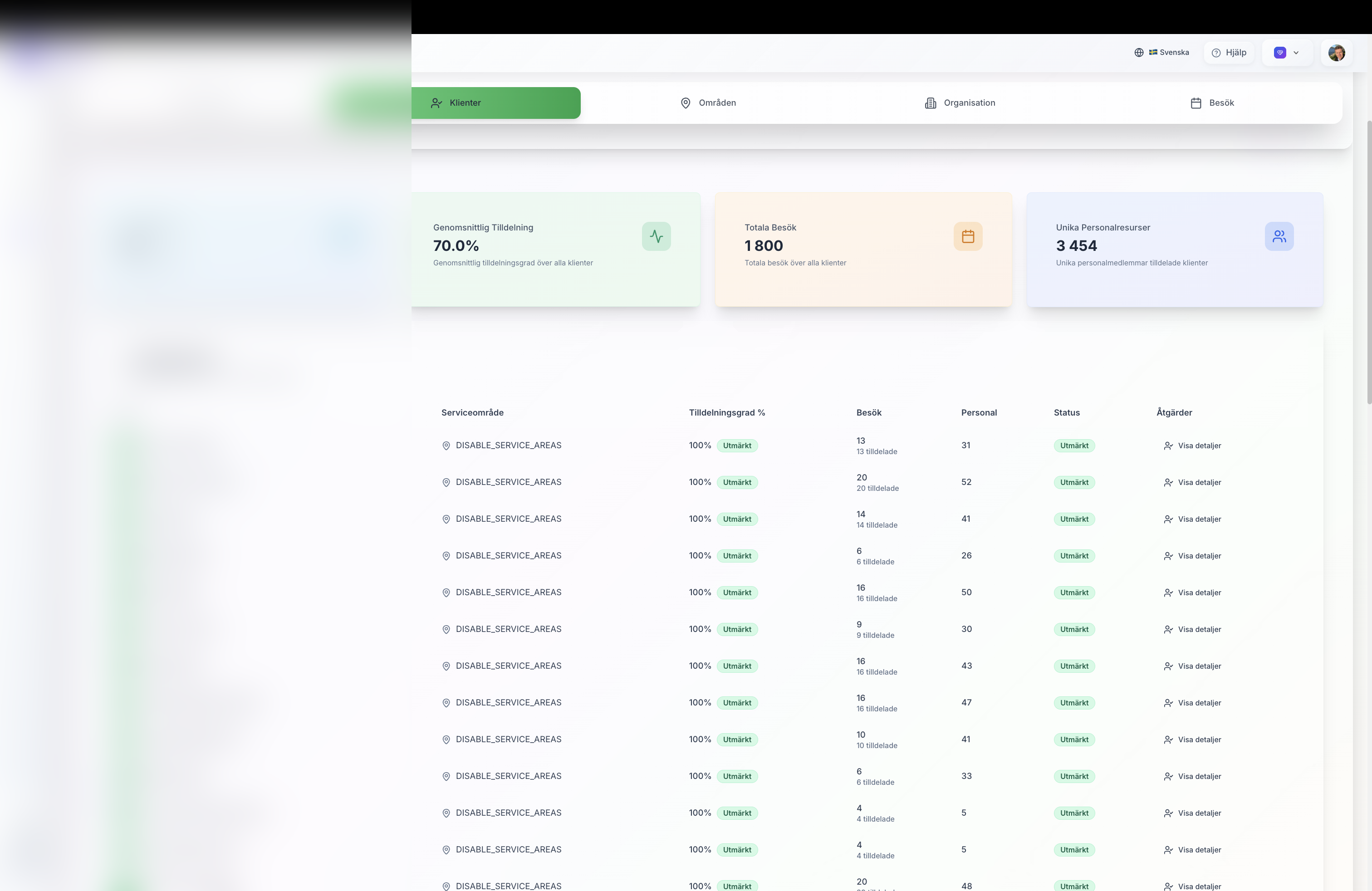
Client analytics table with anonymised client names and assignment metrics
Review varje klient’s tilldelningsgrad, besök, personalresurser och statusindikatorer med filter per serviceområde. Personuppgifter är maskerade för integritet.
Client Detail

Drill into individual client trends

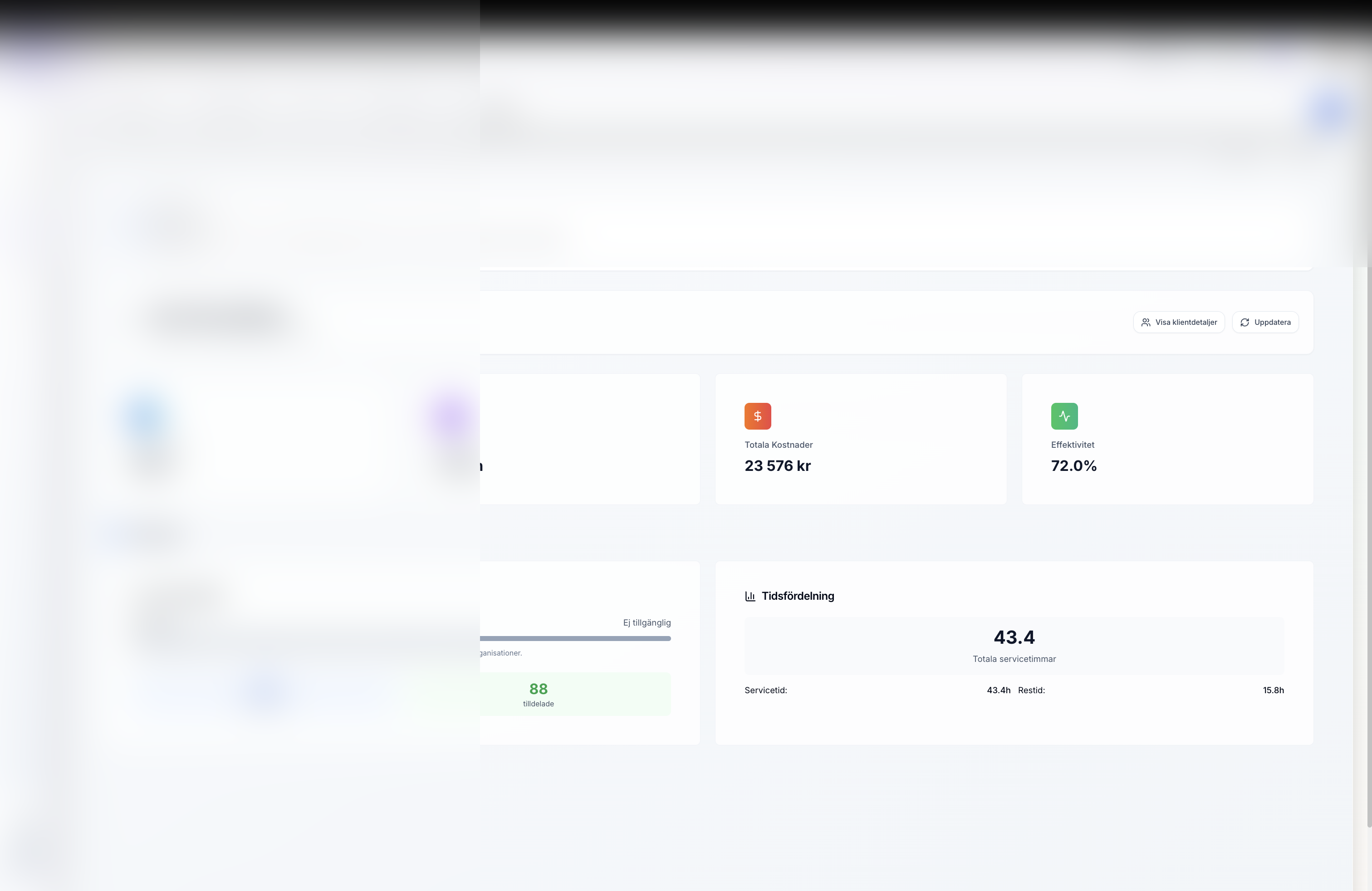
Client detail analytics view with utilisation and visit history anonymised
Detaljerad klientvy visar schemalagda vs utförda besök, kontinuitet, preferenser och tidsfördelning för att stödja kvalitativ omsorg.
Employees

Employee performance insights

Employee analytics detail screen with anonymised caregiver information
Följ varje medarbetares utnyttjandegrad, timmar, besök och kostnader, komplett med glas-morphismkort och trendlinjer för att identifiera coachningsmöjligheter.
Visits

Visit distribution and outcomes

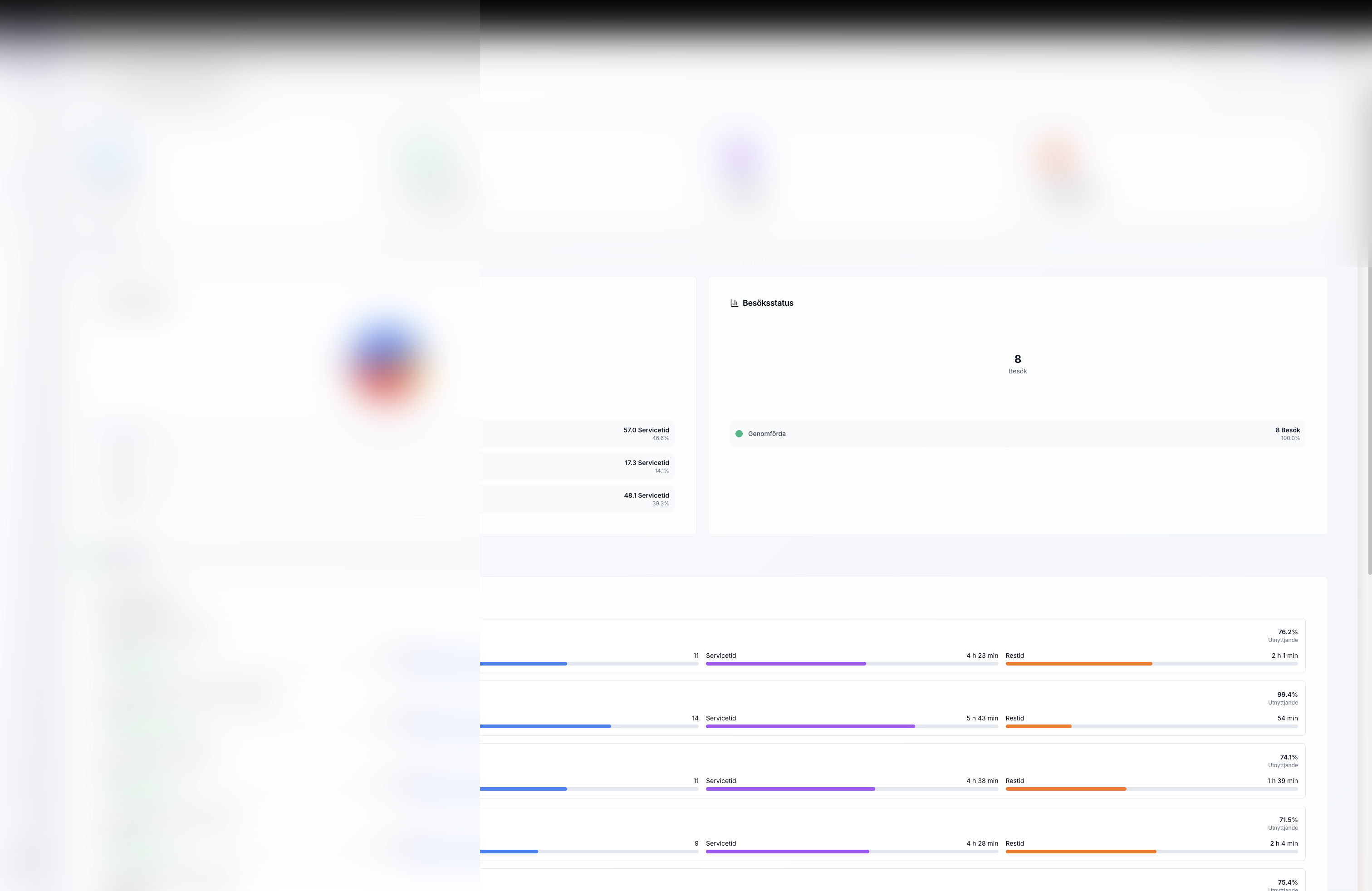
Visit analytics dashboard showing trends, visit types, and completion rates with anonymised visit names
Analys av besökstrender, typer, geografi och utfall över valbara tidsintervall för att säkerställa hög genomförandegrad och patientnöjdhet.

Financial & Operational Excellence

Measure the business impact of AI-powered optimization

Revenue & Margin Tracking

Real-time revenue tracking in SEK with Swedish locale formatting. Cost breakdowns by employee, service area, and service type. Margin analysis with profitability indicators and ROI comparison before/after optimization.

Cost Analysis

Comprehensive cost tracking including staff costs, travel expenses, and overhead allocation. Interactive pie charts and bar charts showing cost distribution patterns and optimization opportunities.

Efficiency Metrics

Travel time optimization tracking with percentage targets. Service quality scores and indicators. Constraint satisfaction rates. Unused hours recapture rates with potential revenue calculations.

Financial

Financial module with ROI breakdown

Financial analytics graphs showing revenue, costs, and margin percentages with anonymised figures
Djupgående finansiell analys per serviceområde med stapeldiagram för intäkter och kostnader, marginalprocent, samt helikoptervy över total tid och tidsfördelning.
ROI

Compare optimisation scenarios

Optimisation comparison cards showing efficiency, allocation, and visit results with anonymised scenario names
Jämför original, manuella och AI-optimerade scenarier med tydliga effektivitets-, marginal- och tilldelningsmått för att visa faktiska förbättringar.

Data-Driven Decision Making

Transform raw data into strategic insights

🎯 Why Analytics Matter

The analytics system provides transparency into the true ROI of AI optimization. Organizations can see exactly how much time, money, and resources are saved through intelligent scheduling. Every metric is traceable back to real optimization jobs and operational data.

📈 Trend Analysis

Track improvements over time with historical comparisons. See how utilization rates, margins, and efficiency metrics evolve as you optimize.

🔍 Drill-Down Capabilities

Start with high-level metrics and drill down to individual employees, clients, or service areas for detailed investigation.

📊 Customizable Views

Sortable tables, filterable data, and multiple time period options allow you to analyze data exactly how you need it.

💡 Actionable Insights

Performance badges, status indicators, and trend arrows help you quickly identify areas for improvement and celebrate successes.

🗂️ Export & Reporting

Extract PDF or Excel reports for sharing with management. All analysis is centralized for easy access and continuous improvement initiatives.

🔄 Real-Time Updates

Metrics update automatically as new optimization jobs complete. Always have current data for informed decision-making.

Getting Started with Analytics

Four simple steps to unlock powerful insights

1

Set Up Organization

Ensure your organizational data is complete with employees, clients, and service areas properly configured in the system.

2

Import & Optimize

Import schedules and run AI optimizations. Each optimization job generates comprehensive metrics that feed the analytics system.

3

Explore Insights

Navigate through the five analytics sections to understand performance, identify opportunities, and validate optimization results.

4

Take Action

Use insights to refine optimization parameters, adjust resource allocation, and continuously improve operational efficiency.

Explore more of the CAIRE platform

Connect your analytics insights with how schedules are built and resources are staffed by jumping to these sections.

Scheduling platform Resource management